Samsung is reportedly preparing to wind down its SATA SSD business, and a notable hardware leaker warns the move could have broader implications for consumer storage pricing than Micron’s decision to end its Crucial RAM lineup. The report suggests reduced supply and short-term price pressure may follow as the market adjusts.


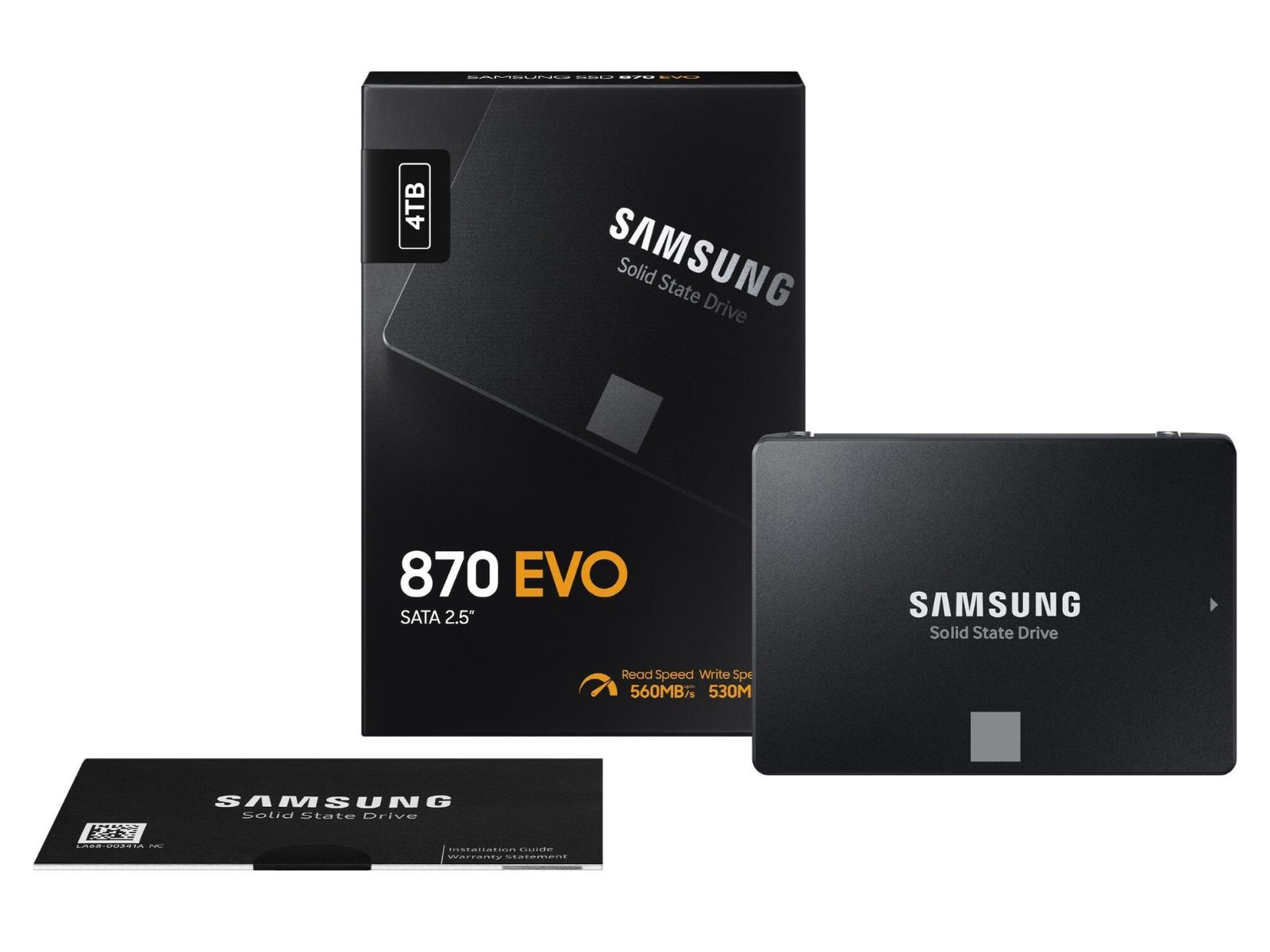
This seems like a non issue dramatised for headlines, they are phasing out outdated sata connection to only favour current m.2.
It’s like gpu and motherboard manufacturers announcing they are no longer including VGA ports in favour of DVI display port and HDMI. I don’t think that was a bad thing.
I’m sure some people who are lucky enough to have hardware that still requires SATA want to keep upgrading to new SATA devices but it’s been enough time. I’m ok with just m.2 now.
There are millions of devices that still and will continue to use SATA.
My Synology NAS only accepts SATA. So if one of my SSDs dies I’m just shit out of luck and have to find a 8 bay M.2 NAS to have a comparable alternative?
Your comment is beyond ridiculous
lol
There are plenty of reasons to put SSDs in a home server.
And most are wrong or unnecessary. What movie requires SSD performance?
HDDs have horrible random access times, so if you need to process or just copy a lot of small files, say photos, there’s a significant penalty.
Ok, but what are they doing that moves loads of random files?
Rsync, syncthing, backups, mp3s, photos, json files; idk, a lot of tasks involve large amounts of small files. I personally ran into this problem training models on millions of photos. My GPUs would only get up to 25% utilization with mirrored HDDs, so I had to switch to SSDs.
Edit: the difference is also significant when compiling large projects or just using git. I imagine some game servers need a lot of random accesses too.
Why are you doing that on a network storage as opposed to on device?
Also who got millions of photos at home?
There are definitely valid reasons to use SSDs in a server/array. One of my proxmox servers runs 4x m.2s in raidz1 so all my vms are super snappy. Depending on what you’re running you can really see benefits, for example:
Pretty much anything with a lot of metadata or tons of files will see benefits from running on SSDs, this comes with the caveat that cheap ssds wear quickly and are a pain in the ass but if you need it, you need it
Indeed.
It’s standard distributed systems design to have a hierarchy of storage with different speeds whose contents is allocated based on the frequency with which certain data is accessed, and HDDs are really only good for bulk data which is seldom accessed (basically the speed category for long term storage with low wait times when it does get needed but not really meant to be constantly accessed, which is just above things like tapes and other backup storage methods).
So for example for a dynamic website with thousands of users most current data should be in SSDs and HDDs would maybe contain low access info such as historical data from the last couple of years and in front of those SSDs there would be a ton of memory to serve as a cache for the most accessed of all data (say, the CSS, JS and images of the home page) as in-memory data is even faster to access than data in an SSD.
The idea that SSDs aren’t useful for servers is hilarious ignorant.
Ok. But then you are not a regular person running a regular home server but an enthusiast with small scale commercial needs.
I think anyone running a home server qualifies as an enthusiast, there are more uses for home servers than just plex lol
Tell that to my school division’s IT department, who have us all running Displayport to VGA adapters, attaching to our monitors and projectors via VGA. This is because our displays are either a) too old and only support VGA and DVI in, or b) they purchased displays with HDMI, but our ThinkPad laptops only have Displayport out.
Sometimes it is more a matter of mixing and matching tech in large cash-strapped systems that might get slapped by these issues as well.
And yes, those adapters cause as many headaches as you might think.
Yeah my recent IT experience is similar. I redeployed monitors that had “vista-ready” badges on them during the monitor shortages of 2021-2 I’ve replaced so many of those analogue to digital adapters (usually because the computer only has 1 digital output and 2 displays to drive, or 1 HDMI and 1 DisplayPort but the displays only support HDMI and I only have VGA to HDMI adapters, etc.)
The challenge simply comes down to the fact that displays tend to last so much longer than the computers they’re connected to. Heck my wife is using my decade old 1080p monitors because they were an upgrade over the even older 720p monitors she had before which may well find themselves mated up to my kids’ new computer
One thing about monitors lasting so long is that it feels good that I’m not making e-waste from monitors every time I upgrade my computer. For the 25 years I’ve been using desktops I’ve only bought 3 monitors, I can’t say that about the rest of my computer hardware.
I hear you there. Almost every meeting presentation room I use still requires my usb-c to vga adapter and I just have to live with it. It’s the natural state of such places I think. It feels so amazing when I can plug directly into my laptop without an adapter. And yea I agree, they are a headache.