It can conflict with some programs. A lot of modern design programs make use of middle click drags to move around a canvas.
That caused problems for me and it took me days to realize it was middle click paste causing the issue of all these random segments of text appearing all over the canvas.
It was also annoying to disable. I was using Chromium at the time and you simply cannot disable it, even by disabling it in Gnome. I had to use Firefox exclusively when using that design program since at least Firefox has a hidden option to disable it.
There are programs that use the middle mouse button but also support pasting from clipboard. I’ve been annoyed at work plenty of times when I’m trying to translate across a canvas but accidentally paste a random node of text. Bonus points if it contains some kind of password that was still in your clipboard. I don’t think it’s a good default.
My mouse’s middle click is easy to hit accidentally, and so I often paste stuff on accident, I just wish I could disable it. The “select to copy” doesn’t work for me either, since I often absentmindedly select things while I’m reading.
If you use a ThinkPad that has its track point designed around the assumption that middle click is used for scroll and only scroll, it will send you crazy. Thankfully KDE can disable it in most apps through a setting, but some apps keep on doing it anyway.
As a software developer working closely with ux and designers I am forced to use tools such as figma and Miro. O can not tell how many times I have pasted sensitive shit into those work places because design software is mouse driven.


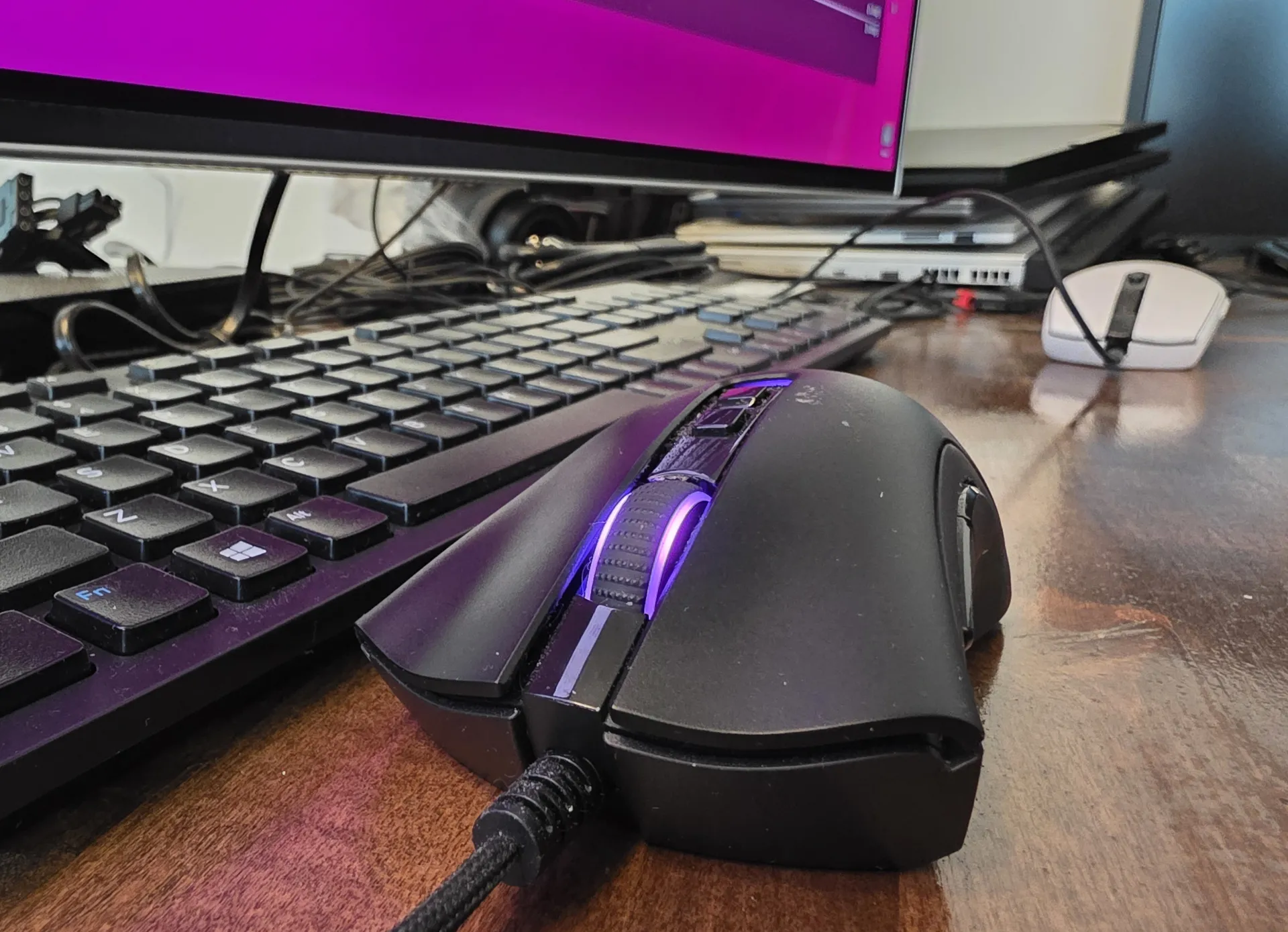
Middle click paste is extremely useful. Why would anyone want to disable it?
It can conflict with some programs. A lot of modern design programs make use of middle click drags to move around a canvas.
That caused problems for me and it took me days to realize it was middle click paste causing the issue of all these random segments of text appearing all over the canvas.
It was also annoying to disable. I was using Chromium at the time and you simply cannot disable it, even by disabling it in Gnome. I had to use Firefox exclusively when using that design program since at least Firefox has a hidden option to disable it.
As a software developer working closely with designers this has caused some nightmare scenarios
There are programs that use the middle mouse button but also support pasting from clipboard. I’ve been annoyed at work plenty of times when I’m trying to translate across a canvas but accidentally paste a random node of text. Bonus points if it contains some kind of password that was still in your clipboard. I don’t think it’s a good default.
deleted by creator
Sounds like your doing passwords wrong.
You know that you shouldn’t use Discord, right?
My mouse’s middle click is easy to hit accidentally, and so I often paste stuff on accident, I just wish I could disable it. The “select to copy” doesn’t work for me either, since I often absentmindedly select things while I’m reading.
If you use a ThinkPad that has its track point designed around the assumption that middle click is used for scroll and only scroll, it will send you crazy. Thankfully KDE can disable it in most apps through a setting, but some apps keep on doing it anyway.
As a software developer working closely with ux and designers I am forced to use tools such as figma and Miro. O can not tell how many times I have pasted sensitive shit into those work places because design software is mouse driven.