

Good afternoon, y’all!
I have decided to take the plunge and switch over to Graphene OS. Is there anything I need to know before I use the web installer? I’m a bit bummed about having to set up all my apps again, but I’m exporting all my settings, thanks FOSS apps! to help with the transition. Most of my data is fully backed up through Nextcloud, so I’ll be able to just jump straight in with my photos and data.
So yeah, any tips or advice would be greatly appreciated before I go through with it tonight. Thanks, y’all and again, I love being a part of the Lemmy community.
-How to setup your private spaces and profiles will be the biggest pain in mental considerations. This is one of the biggest differences allowed by Graphene. Also, not all apps like to be on a secondary profile (I’m looking at you, intune). My setup so far is a main google-less profile with f-droid, obtanium and all my foss apps…an insular ‘work’ profile, where I have all my banking and more or less secure apps, a ‘hidden profile’ (is that the name?), where I have a bit less trustworthy apps, food delivery, uber, gmaps etc (the difference between the work and the hidden profile, is work can be paused manually, but will keep working if you want it to in the background while the screen is off…while the hidden profile closes a few minutes after turning the screen off). Then secondary profiles for absolute garbage untrustworthy apps that I know try to gather as much info from you as possible. -Rather than obtanium, I prefer f-droid when possible. Better general oversight of the apps. I- think thunderbird can be set to check more frequently. I haven’t noticed any missing emails that get downloaded as I open. But maybe I don’t check my email so frequently. -Does Molly work on its own, without having to use some third-party notification setup such as ntfy?
How do you get Obtainium to update automatically? Mine refuses to no matter which settings I try.
If an app has multiple apks like a play store version and a non play store version it won’t update automatically.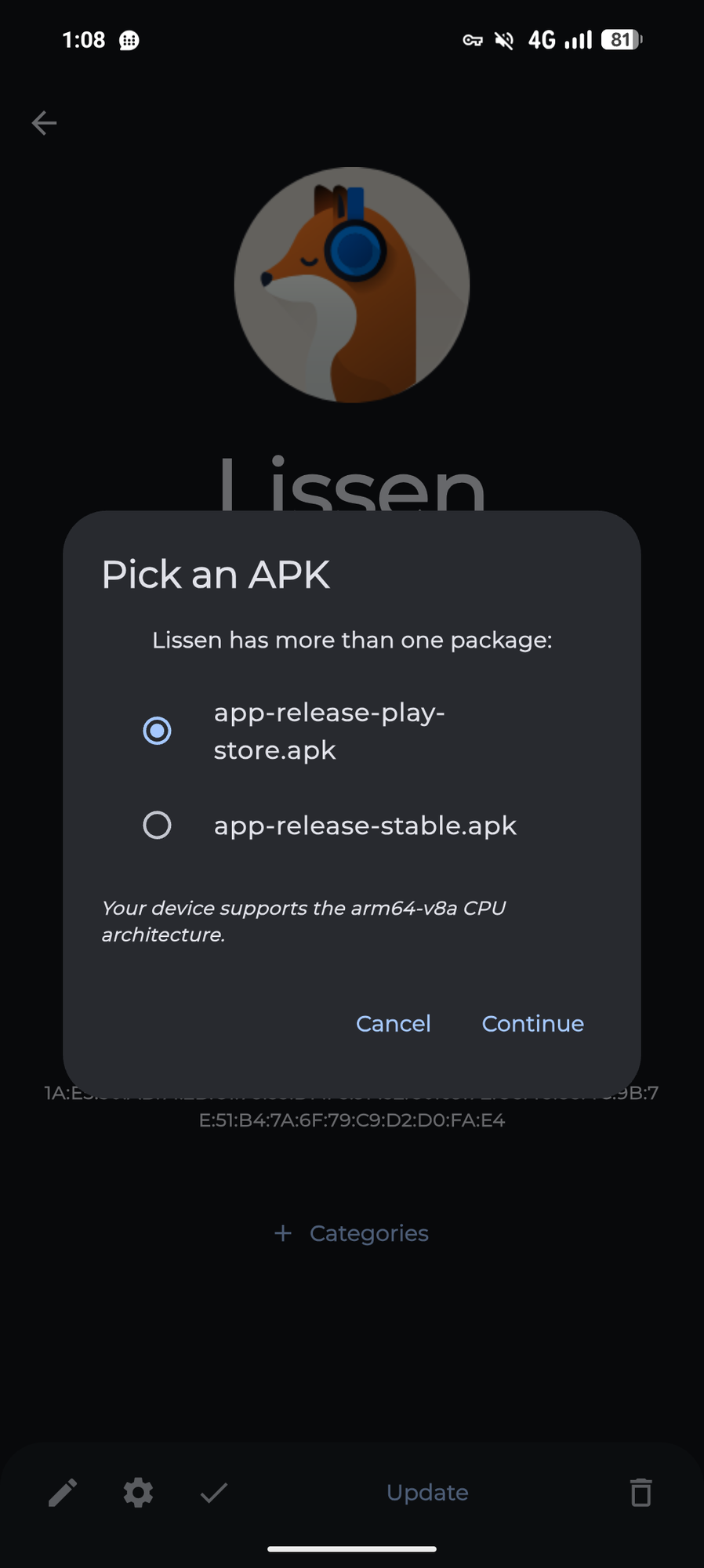
To fix this you need to add a filter for the apk name like this:
Other than that make sure you have enable background updates turned on in the settings
Interesting, I do have a few apps with multiple versions, but most of them do not and nothing is updating on its own. I wonder if obtainium stops trying to update any app if it encounters an app with multiple apk versions.