

3·
10 days agoAre the characters in the game fairly small in a world of humans? Just wondering why the floor planks look so big
Are the characters in the game fairly small in a world of humans? Just wondering why the floor planks look so big
It’s missing the Uhaul

I think they’re just curious, not implying it makes a difference
Jokes on them, I have all their fingerprints now
I thought the conservative stance was that there’s no systemic racism. Your co-workers actually think all racism is solved, in the US of all places?? Sheesh

Why is the font like something from a Star Wars poster?
A similar one I see quite often is “and” when it should be “an”. Not sure if it’s an auto-complete thing or they genuinely don’t know the difference, maybe due to their accent/dialect. Either way it’s like getting tripped while walking when stumbling over it in a sentence.
Not AI, just fake the old fashioned way; it’s a staged “social experiment”
This should have a spoiler tag

Ok but why is this caption on a picture of someone setting up a carport?

Seriously. Why are people so obsessed with streaming music when they have tons of it that can just be right there with them, no external connection needed?
Well now I wanna see a Lisa Frank vinyl wrapped Cybertruck
“The Avengers when it’s not their movie”
For those curious, here’s a great write-up
https://e360.yale.edu/features/worlds-largest-beaver-dam
I can’t imagine traveling that terrain any time other than winter; the muskeg is super tough to travel through when it’s not frozen and the mosquitoes would suck you dry.
RUN TO THE hILLS
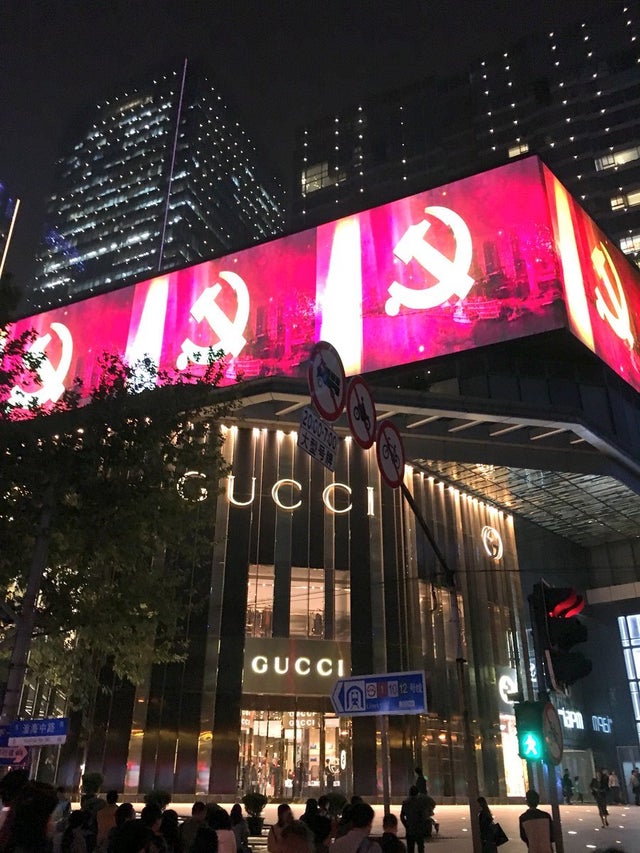
“Why don’t you decry the other atrocities that your government isn’t directly supporting with the same energy as the ones they are, huh??” It’s got some real “all lives matter” energy to it.
Yeah, this recreation is unrelated. Their reenactment was pretty great





The clerk was just reacting to the person somehow using “it’s” in a way they could hear