That’s what I’ve been using, but I still prefer Nova’s ability to create folders, I could open most apps I needed in an instant by sliding to the correct screen, opening the folder and tapping the app. With Kvaesitso even with categories and such it’s much more of a hassle, the fastest way is typing the first letters of the name, not the same.
I made pseudo folders by applying tags to apps I wanted to group, gave that tag an emoji, added a few app boxes to the widget page, and added the tags I wanted quick access to into those app boxes. Result looks like this.
I disabled the automatic search on mine. So opening the app drawer doesnt automatically prompt searching.
I just open the app drawer by sliding up from the bottom and tap the app I want to open. I set the favorites section with everything I need most often. And the 5 apps on the dock home screen dock for my absolute most frequent apps. Most apps that aren’t in either of those sections are ones I rarely open anyway.
My often used apps are numerous, and there are a few that are not often used but by their nature need to be opened quickly when necessary (such as the camera or qr scanner)… Plus I like to have a monthly calendar and clock on my home screen, those take up quite some space.



That’s what I’ve been using, but I still prefer Nova’s ability to create folders, I could open most apps I needed in an instant by sliding to the correct screen, opening the folder and tapping the app. With Kvaesitso even with categories and such it’s much more of a hassle, the fastest way is typing the first letters of the name, not the same.
I made pseudo folders by applying tags to apps I wanted to group, gave that tag an emoji, added a few app boxes to the widget page, and added the tags I wanted quick access to into those app boxes. Result looks like this.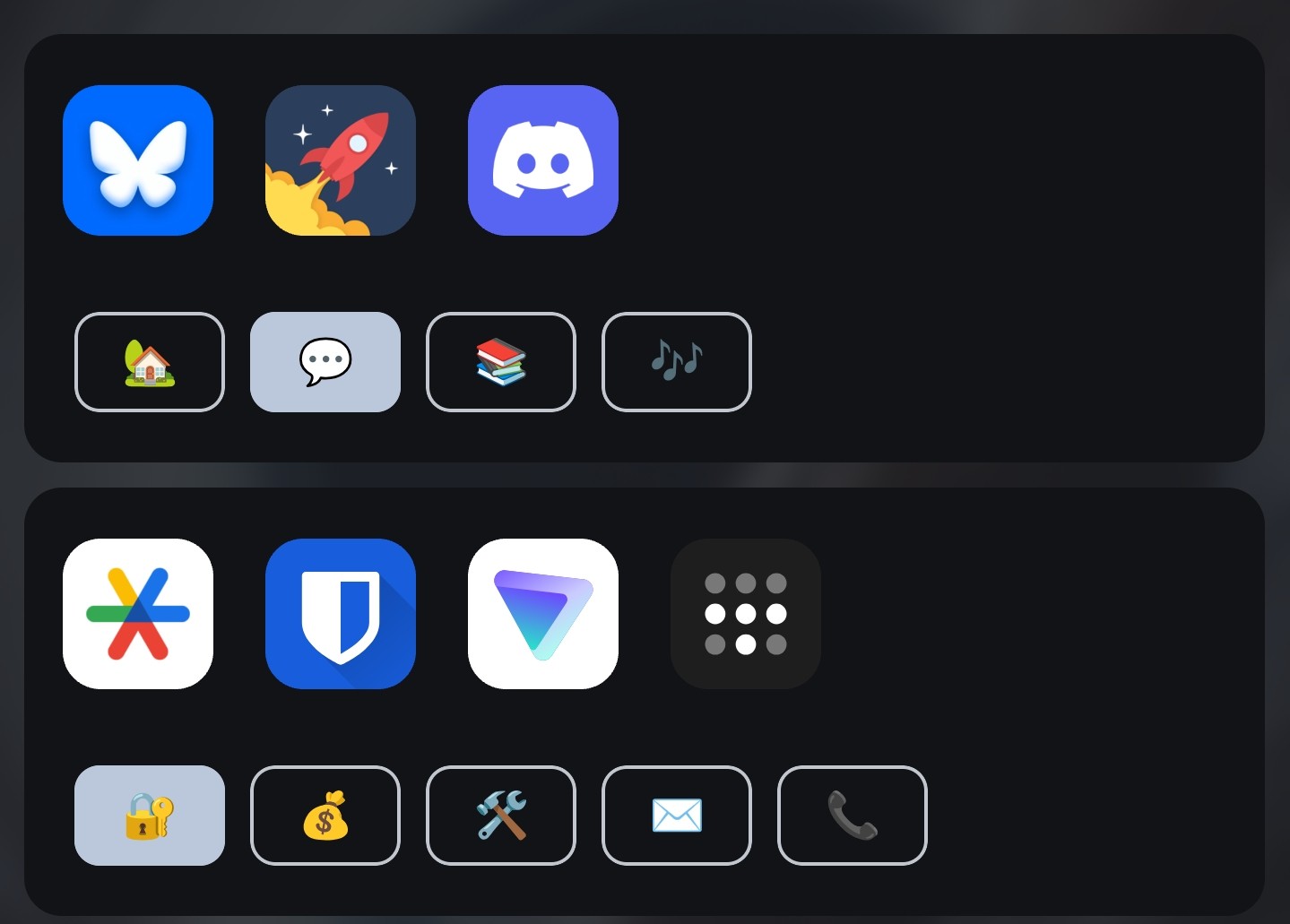
Ok, that’s fucking genius
I disabled the automatic search on mine. So opening the app drawer doesnt automatically prompt searching.
I just open the app drawer by sliding up from the bottom and tap the app I want to open. I set the favorites section with everything I need most often. And the 5 apps on the dock home screen dock for my absolute most frequent apps. Most apps that aren’t in either of those sections are ones I rarely open anyway.
My often used apps are numerous, and there are a few that are not often used but by their nature need to be opened quickly when necessary (such as the camera or qr scanner)… Plus I like to have a monthly calendar and clock on my home screen, those take up quite some space.