I haven’t had any issues with it since the last time fixing it. There’s a single app (Steam) that forgets its audio settings on reboot and every update replaces the launch script I use to help it remember, but even so, it runs perfectly well.
It’s just that every time I do decide to mess with it, I end up with a silent reminder that I have no idea what I’m doing. Then I tinker some more and it starts working again and stays stable so apparently it’s correct now and I’m not sure I understand why. So I decide to leave it be, until the urge to try something new becomes overwhelming…
“Never touch a running system” is for cowards. And reasonable people, I guess. I suppose I’m neither.


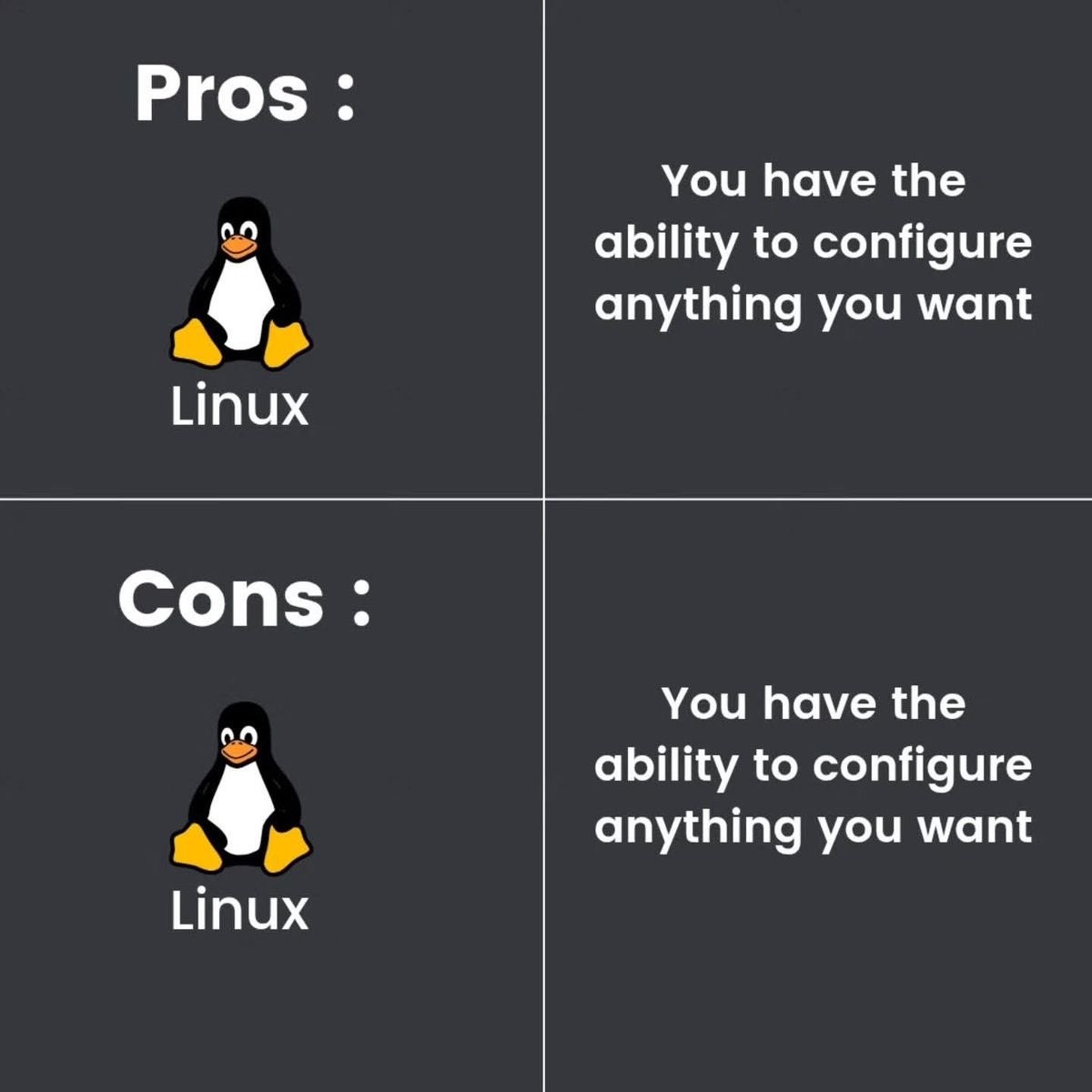
I haven’t had any issues with it since the last time fixing it. There’s a single app (Steam) that forgets its audio settings on reboot and every update replaces the launch script I use to help it remember, but even so, it runs perfectly well.
It’s just that every time I do decide to mess with it, I end up with a silent reminder that I have no idea what I’m doing. Then I tinker some more and it starts working again and stays stable so apparently it’s correct now and I’m not sure I understand why. So I decide to leave it be, until the urge to try something new becomes overwhelming…
“Never touch a running system” is for cowards. And reasonable people, I guess. I suppose I’m neither.
Running on Dell XPS, Lenovo T-Series and Asus laptops absolutely 0 problems with audio… except Slack.
Boss: let’s huddle
Me: OK! preferences > audio and video, webcam works, mic showing me talking!!! Join Huddle!
Boss: I can’t hear you.
Me: preferences > audio and video , microphone no longer exists.
pkill slack
slack &
restart huddle, it’s fine.
But, to be fair, he’s on windows and 1/10 times he can’t be heard.