Just pick one, burn the ISO to a USB stick and run a live version. When your done checking it out, shut down, unplug the USB stick, and boot back into windows. You can do this with any distro you are curious about, and once you find one you feel comfortable with you can install it.
My mom hates windows but is also uncomfortable with moving to a new OS, so this is what I did for her. She settled on Mint and now I’m taking an old laptop my dad gave me and I’m going to install Mint on that so she can use it full time but still have her windows machine for the time being. Once she’s comfortable with Mint I’ll move her over completely with the current windows computer since it’s far more up to date and powerful.


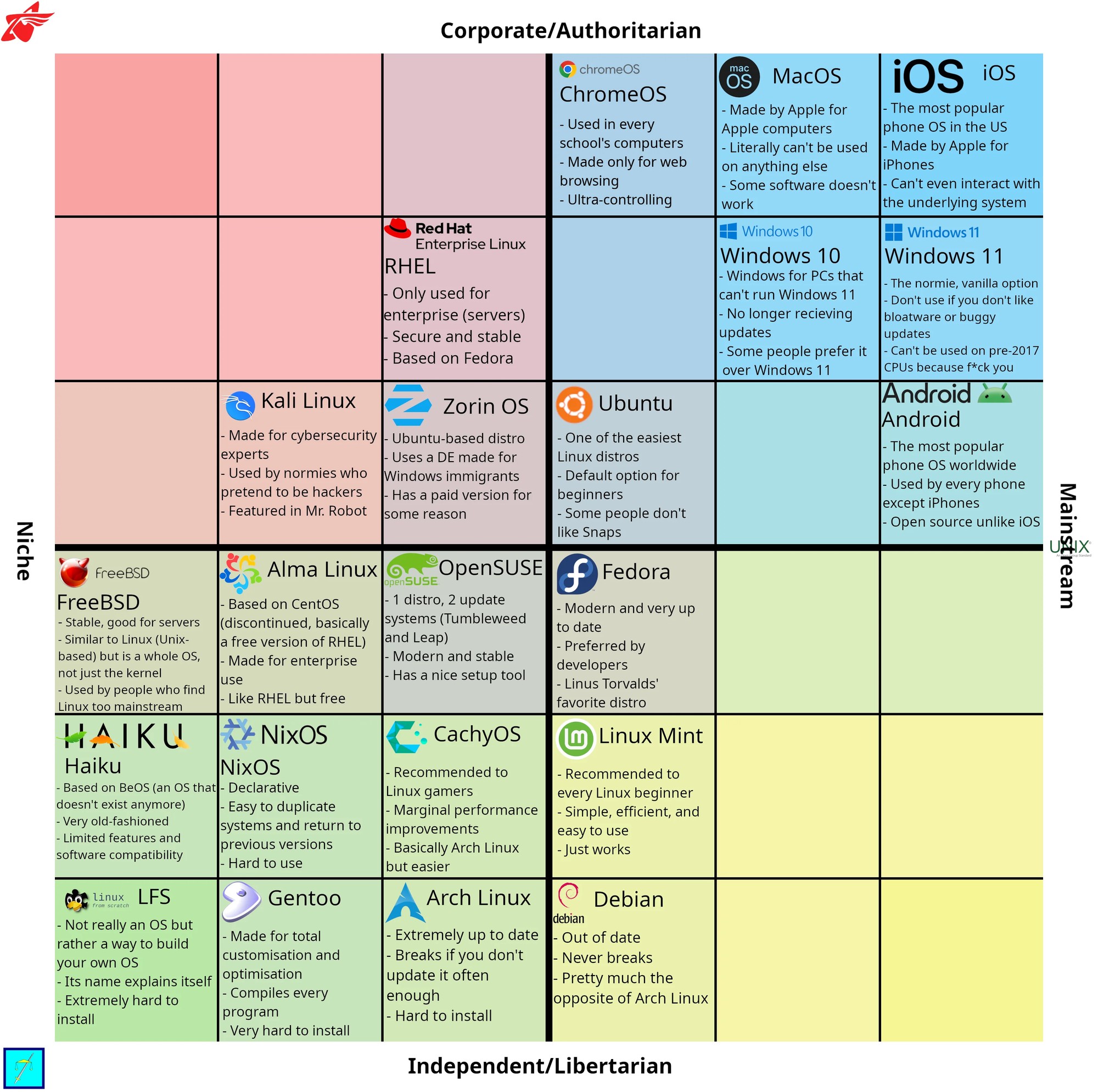
Just pick one, burn the ISO to a USB stick and run a live version. When your done checking it out, shut down, unplug the USB stick, and boot back into windows. You can do this with any distro you are curious about, and once you find one you feel comfortable with you can install it.
My mom hates windows but is also uncomfortable with moving to a new OS, so this is what I did for her. She settled on Mint and now I’m taking an old laptop my dad gave me and I’m going to install Mint on that so she can use it full time but still have her windows machine for the time being. Once she’s comfortable with Mint I’ll move her over completely with the current windows computer since it’s far more up to date and powerful.