Pretty sure you can achieve the same with the standard gallery and other media apps by putting an empty file called .nomedia in the folders you want the apps to ignore. I’m using a third-party gallery app, but seems that the feature is widespread (likely because of the apps relying on Android’s own media scanning).
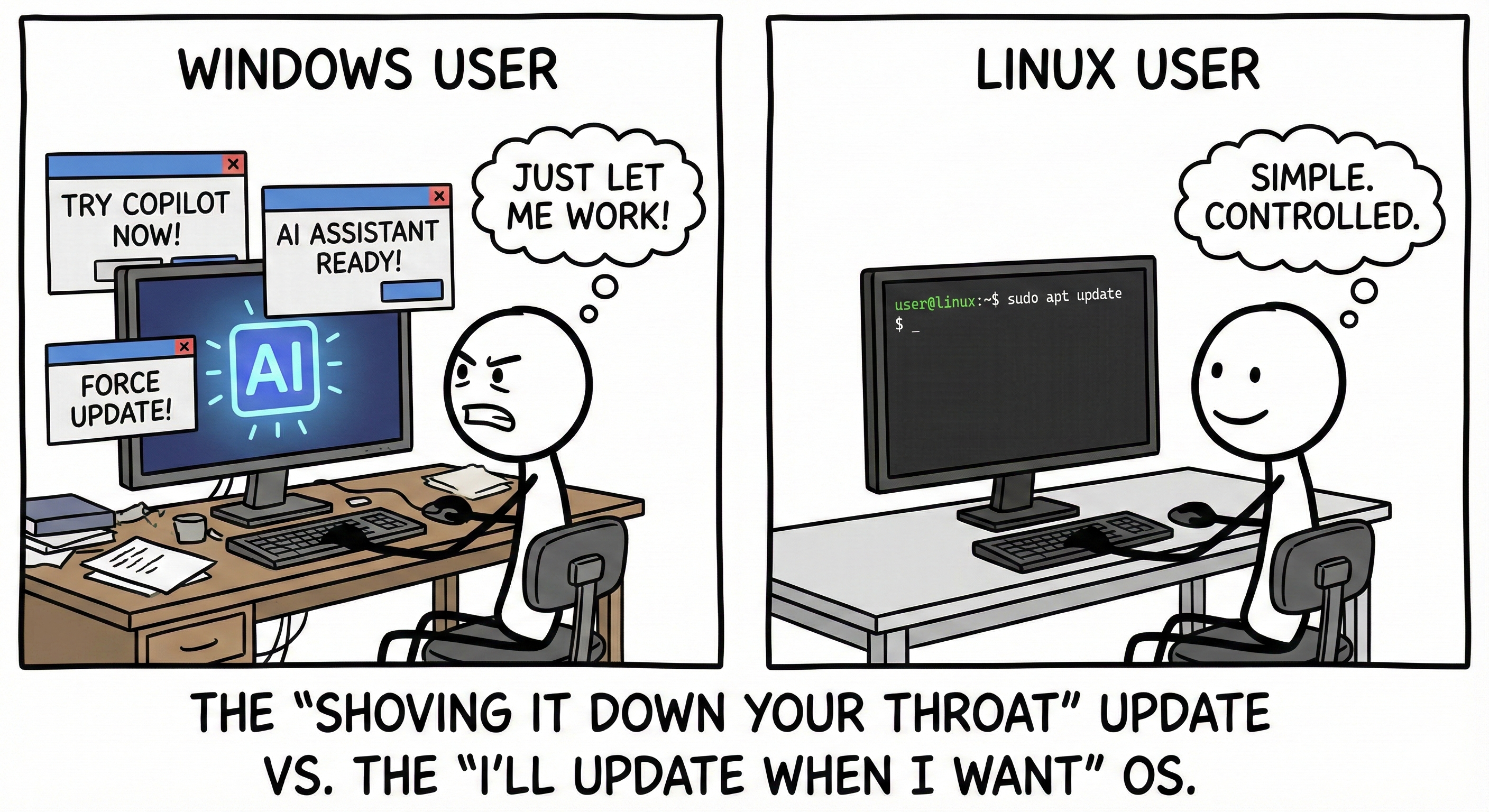
And to be honest, it feels like the whole “windows is usable you just have to…” do things all the time (then it gets removed from time to time, or changed or ignored)
Just to check, did you put in the dot at the beginning of the file name? It’s the convention for hidden files in Unixes. Could just be that Xiaomi forgot to support this feature in their app, of course, and a third-party one would fix that, like the open-source Simple Gallery.
Anyway, I’d guess most people are fine with the gallery showing downloaded images — I know I need that to find the meme I want.


check out the fossify gallery app. not on play store probably. it can ignore folders, or only look in some
Pretty sure you can achieve the same with the standard gallery and other media apps by putting an empty file called
.nomediain the folders you want the apps to ignore. I’m using a third-party gallery app, but seems that the feature is widespread (likely because of the apps relying on Android’s own media scanning).Doesn’t work for me.
And to be honest, it feels like the whole “windows is usable you just have to…” do things all the time (then it gets removed from time to time, or changed or ignored)
Thanks for the tip though!
Just to check, did you put in the dot at the beginning of the file name? It’s the convention for hidden files in Unixes. Could just be that Xiaomi forgot to support this feature in their app, of course, and a third-party one would fix that, like the open-source Simple Gallery.
Anyway, I’d guess most people are fine with the gallery showing downloaded images — I know I need that to find the meme I want.
Yep I made it ‘hidden’ but it didn’t work. So maybe a Xiaomi thing for sure, and I already have the f-droid app so I’m good :-)
Already got it ☺️ from F-Droid.